Your Shopify store is slow. Your first instinct might be to uninstall apps, remove features, or rebuild the theme.
But what if the real problem is unnecessary scripts, oversized images, or code left behind by apps you no longer use?
The goal isn’t to remove more. It’s to optimize smarter.
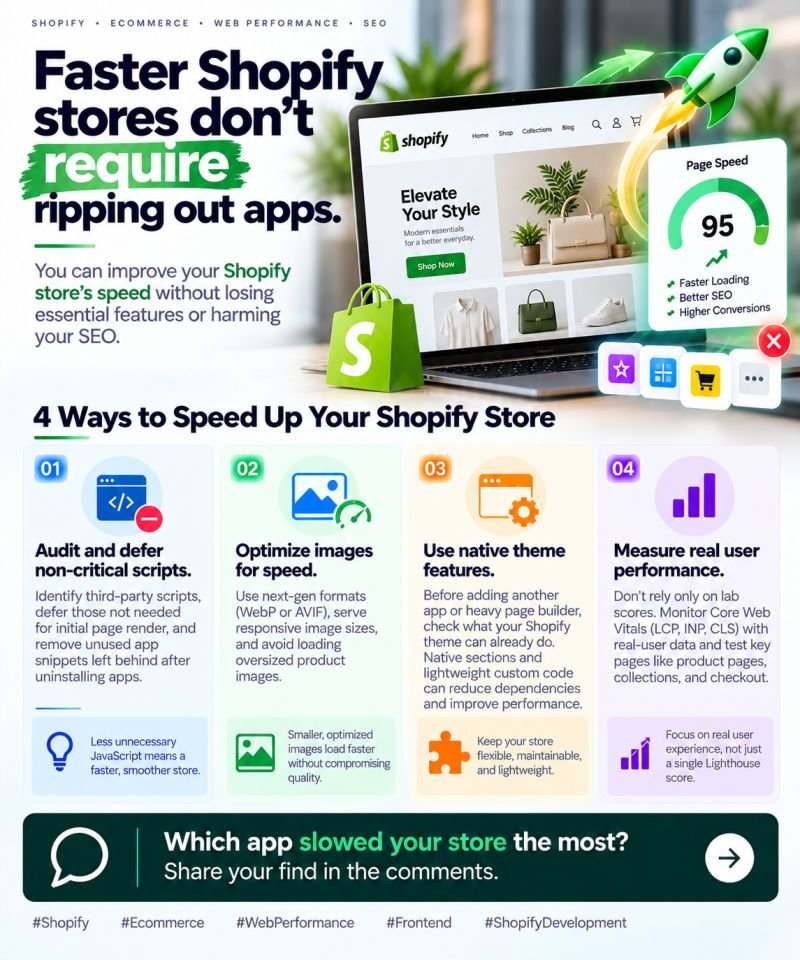
Here are 4 ways to improve Shopify performance without compromising SEO or user experience.
⚡ 1. Audit your scripts
Identify non-critical JavaScript, defer scripts that aren’t needed for the initial page render, and remove unused app snippets. Every unnecessary script adds work for the browser.
🖼️ 2. Optimize your images
Use modern formats like WebP or AVIF where supported, serve responsive image sizes, and avoid loading oversized product images. Prioritize above-the-fold content and lazy-load suitable images below it.
🛠️ 3. Make the most of native theme features
Before installing another app or heavy page builder, check what your Shopify theme can already handle. Native sections and lightweight custom code can reduce dependencies and simplify maintenance.
📊 4. Measure real-world performance
Don’t rely on a single PageSpeed score. Monitor Core Web Vitals, especially LCP, INP, and CLS, and review real-user data where available.
Test your product pages, collection pages, and other important shopping journeys—not just your homepage.
Why does this matter?
A faster, smoother storefront can help customers browse products with less friction, support better user experience, and contribute to stronger conversion performance.
And you don’t have to sacrifice the features that make your store valuable.
💡 Optimize what matters. Measure the impact. Keep what delivers value.
🚀 Faster Shopify stores don’t require ripping out apps.